
26.10.2026
A checklist before installing PC liquid cooling
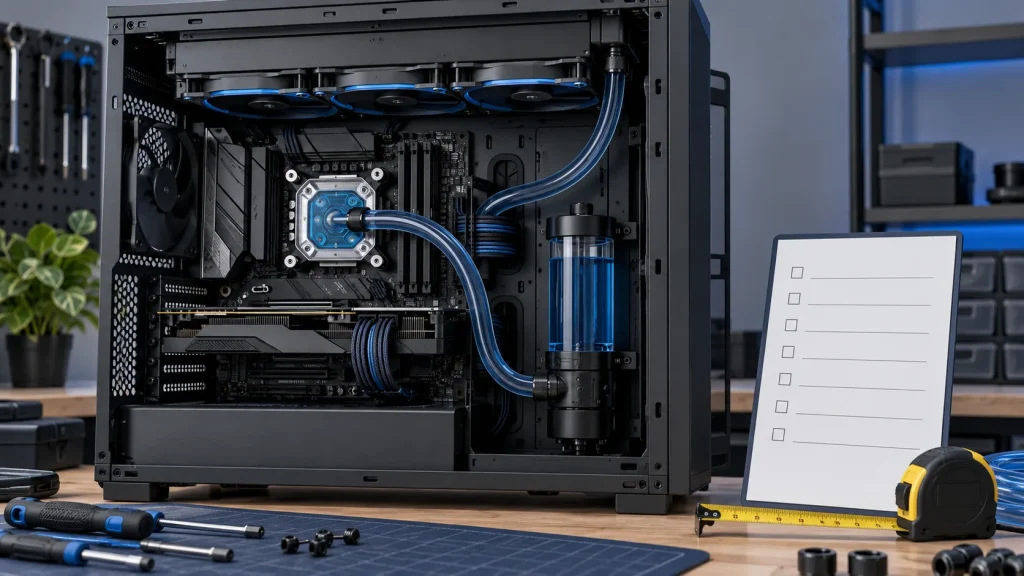
Socket support alone does not guarantee an easy installation. A short pre-purchase checklist can reveal clearance, tubing and connection issues before assembly.
1. Confirm the exact revision
Record the CPU, motherboard, case and cooler models. Verify socket support and the mounting hardware included with the exact version you are buying.
2. Check the occupied space
Review supported radiator positions, then check length, width and combined radiator-plus-fan thickness. Allow for memory, VRM heatsinks, CPU power wiring and the graphics card. Radiator size names alone do not confirm fit.
3. Plan tube routing
Position the block and radiator without stretching or sharply bending tubes. Pump location varies between designs. For the Corsair CPU-block-pump AIOs in the linked guide, the radiator’s highest point needs to sit above the pump; follow the specific manual for other designs.
4. Map the connections
Read the power and control requirements for the pump, fans and controller. Identify the required motherboard or hub connectors before powering on. Do not rely only on connector appearance.
5. Keep a handover record
Save the manual, accessory list and installation photos. Record temperatures, available fan or pump readings, and noise during normal workloads. These observations provide a useful baseline for later troubleshooting.
Technical references: Corsair: installation FAQ for iCUE LINK AIOs.