
26.10.2026
Air or liquid cooling: choose around your PC and workload
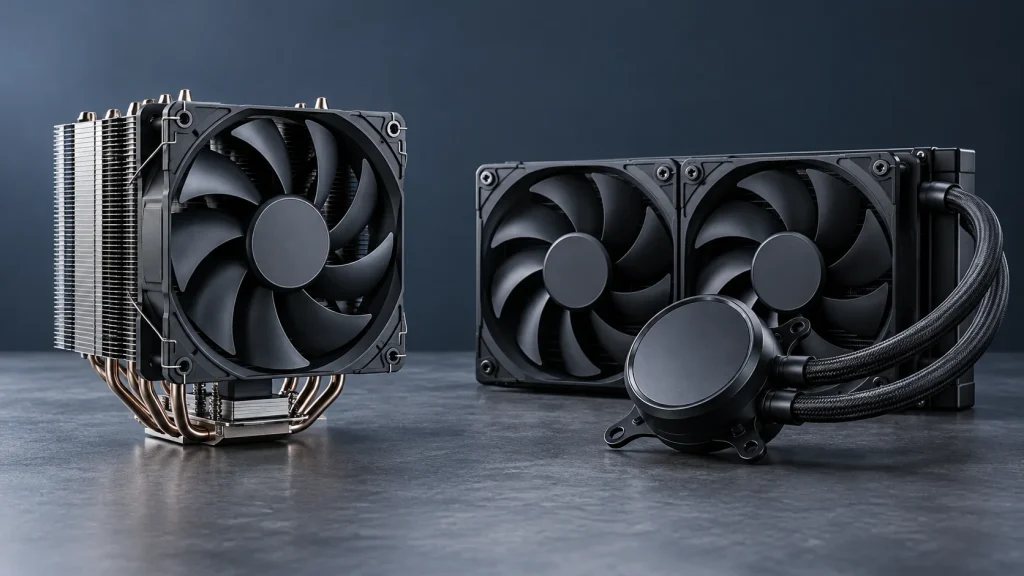
There is no cooling type that suits every PC. Start with installation constraints and the work the computer performs, then compare specific models within your budget.
Write a build brief
List the exact CPU, motherboard, memory and case. Add the heaviest regular workload, typical session length and acceptable noise level. This gives the selection process a practical basis beyond appearance.
When to consider air cooling
Air cooling can suit a build with enough tower clearance and a preference for familiar cleaning routines. Check installed height, RAM clearance and access to the fan, together with the case exhaust route.
When to consider an AIO
An AIO places its radiator and fans elsewhere in the case, offering a different layout around the socket. Check radiator space, combined radiator and fan thickness, and tube routing. An available fan mount does not automatically guarantee radiator clearance.
Compare like with like
Use results measured with the same CPU, power settings and noise methodology where possible. Temperatures from unrelated test systems do not establish which cooler is better. Record missing evidence rather than guessing.
Include ownership needs
Balance compatibility, thermal expectations, noise and maintenance budget. For business PCs, also consider replacement availability and the practical process for handling warranty service.
Technical references: Noctua: cooler selection criteria.